How to Share PDFs Securely Online
In today's digital world, sharing PDFs is a daily necessity for individuals and businesses. From confidential reports to personal information, PDFs are a ubiquitous format. However, this convenience carries inherent risks. Ensuring the security of your PDF documents is paramount to protect sensitive data, maintain privacy, and comply with regulations.
This guide will walk you through essential strategies and tools for sharing PDFs securely online, safeguarding your information from unauthorized access, misuse, and data breaches.
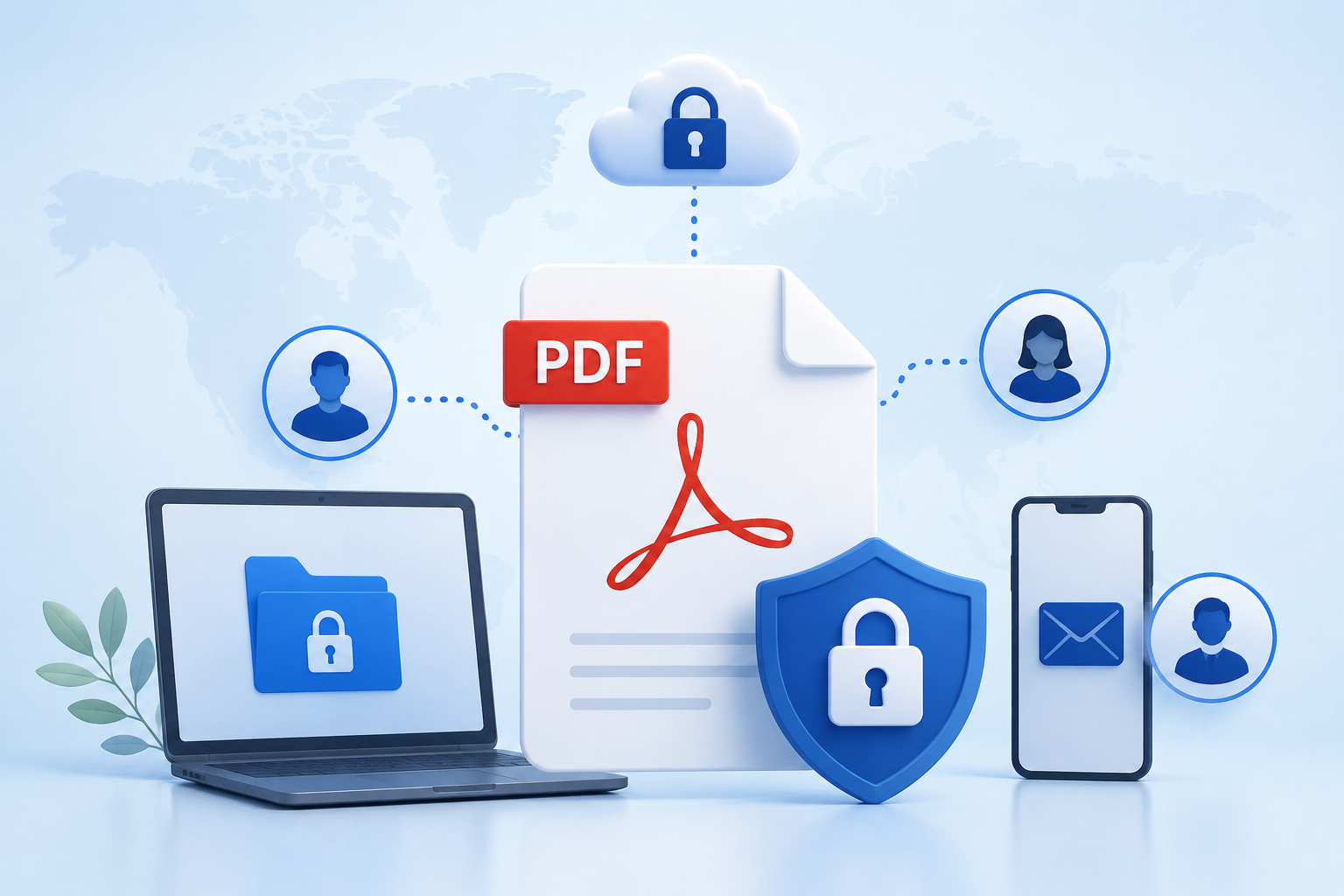
Understanding the Risks of Insecure PDF Sharing
Failing to secure your PDFs can lead to serious consequences.
Unauthorized Access and Data Breaches
- Exposure of sensitive data: PII, financial records, trade secrets, health information.
- Reputational damage: Loss of trust with clients and partners.
- Financial losses: Fines, legal fees, and business loss.
Intellectual Property Theft
- Loss of competitive advantage: Competitors gaining access to strategies or designs.
- Copyright infringement: Unauthorized reproduction or distribution.
Compliance Violations
- Hefty fines: Penalties for non-compliance with GDPR, HIPAA, CCPA.
- Legal liabilities: Lawsuits from affected individuals or regulatory bodies.
Document Tampering and Manipulation
- Fraud: Altering figures in reports or clauses in contracts.
- Misinformation: Distributing altered documents that misrepresent facts.
Core Principles of Secure PDF Sharing
Effective PDF protection relies on these fundamental principles.
Encryption
Scrambles PDF content, making it unreadable without the correct decryption key (password).
- In Transit: Protects during network transfer (e.g., SSL/TLS).
- At Rest: Protects when stored on devices or servers.
Access Control
Controls who can access your PDF and what actions they can perform.
- Authentication: Verifying recipient identity (e.g., passwords, 2FA).
- Authorization: Granting specific permissions (view only, print, edit, download).
- Revocation: Ability to remove access after sharing.
Audit Trails and Analytics
Knowing who accessed your document, when, and from where provides accountability.
- Tracking: Monitoring views, downloads, and sharing activities.
- Reporting: Logs for compliance, security audits, or forensic analysis.
Data Loss Prevention (DLP)
Prevents sensitive data from leaving your control.
- Watermarking: Deters unauthorized sharing.
- Download/Print restrictions: Limits saving or physical copies.
Methods for Secure PDF Sharing
Each method has unique strengths and weaknesses for different scenarios.
1. Password-Protected PDFs (via Email or Direct Transfer)
Apply password protection directly within PDF creation/editing tools (e.g., Adobe Acrobat). You can set an "open" password to view and a "permissions" password for restrictions (printing, editing). Send the PDF, then communicate the password separately through a different channel (e.g., text, phone call).
Pros:
- Simple, widely supported, cost-effective.
Cons:
- Cumbersome password management.
- No revocation or tracking once downloaded.
- Limited control; restrictions can sometimes be bypassed.
Best For:
- Single, moderately sensitive PDFs shared with a few trusted individuals.
2. Cloud Storage Services (Google Drive, OneDrive, Dropbox)
Upload your PDF and use built-in sharing features:
- Shareable links: Restricted to specific individuals or public.
- Permissions: "View only," "comment," or "edit."
- Sign-in requirement: For enhanced security.
- Expiry dates: For temporary access.
- Link password protection: An extra layer of security.
Pros:
- Robust infrastructure security (encryption at rest/in transit).
- Granular access control, version history.
- Familiar interface.
Cons:
- Recipient often needs an account for stricter controls.
- Basic tracking, no remote revocation for downloaded files.
- Reliance on provider's security.
Best For:
- Collaborative projects, sharing moderately to highly sensitive documents where recipients use these platforms.
3. Dedicated Secure File Sharing Platforms
These platforms are purpose-built for secure document exchange, offering advanced features. You upload your PDF and share a secure link.
Features often include:
- End-to-end encryption.
- Granular access controls: Print, download, copy restrictions.
- Dynamic watermarking: Deters unauthorized sharing.
- Link expiry & remote revocation: Disable access anytime.
- Comprehensive audit trails: Detailed logs of all activity.
- Two-factor authentication (2FA).
- DRM capabilities: Prevent copying, forwarding, screen capturing.
Reachfile is an excellent example, transforming your Google Drive and OneDrive files into trackable, shareable smart links. It allows optional paywalls, custom branding, and provides deep analytics on who accesses your PDFs, when, and from where. This offers invaluable control and insight for sensitive documents or monetized content.
Pros:
- Highest security and control, comprehensive tracking, remote revocation.
- Advanced DLP (watermarking, restrictions).
- Compliance support.
Cons:
- Subscription cost, potential learning curve for recipients.
Best For:
- Highly confidential documents (legal, financial), intellectual property, businesses needing strict compliance and audit trails, or monetizing content.
4. Virtual Data Rooms (VDRs)
Specialized, highly secure online repositories for due diligence (M&A, fundraising). They offer extreme control:
- Role-based access.
- Q&A modules.
- Advanced watermarking.
- View-only mode: Often prevents downloading/printing.
- Detailed activity logs.
- Document expiration/shredding.
Pros:
- Ultimate security and control for critical transactions.
- Comprehensive audit trails, collaboration features.
Cons:
- Very high cost, overkill for everyday sharing.
Best For:
- M&A, fundraising, IPOs, legal discovery, highly sensitive R&D.
5. Digital Rights Management (DRM) Solutions
DRM controls what users can do with content even after download. It encrypts PDFs and binds them to specific permissions and user accounts.
Rules enforced:
- Preventing copying, pasting, editing.
- Limiting printing or setting print watermarks.
- Restricting access to specific devices/IPs.
- Disabling screen capture.
- Setting access expiry dates, remote revocation.
Pros:
- Deep control over content usage, persistent security.
- Strong anti-piracy measures.
Cons:
- Complex to implement, can be restrictive for users.
- Premium cost.
Best For:
- Publishers (ebooks, research), software companies (documentation), protecting highly valuable intellectual property.
Best Practices for Senders: Before, During, and After Sharing
Enhance security with these practices.
Before You Share
- Assess Sensitivity: Choose method based on document importance.
- Clean Up Metadata: Remove hidden sensitive data (author, revision history).
- Redact Information: Use proper redaction tools, not just black boxes.
- Digital Signature: Verify sender identity and document integrity.
- Educate Recipients: Provide clear access instructions for new platforms.
During Sharing
- Use Strong Passwords: For PDFs or links, use complex, unique passwords.
- Separate Password Delivery: Never send the password in the same channel as the PDF.
- Verify Recipient Identity: Confirm correct email/account for sensitive documents.
- Limit Permissions: Grant only necessary access (e.g., view only).
- Set Expiry Dates: For temporary access.
After Sharing
- Monitor Access: Check audit trails if available.
- Revoke Access: Disable links/permissions when no longer needed.
- Review Permissions: Periodically check and remove outdated access.
- Maintain Records: For compliance and accountability.
Best Practices for Recipients: How to Handle Securely Shared PDFs
Recipients play a vital role in security.
- Be Suspicious of Unexpected PDFs: Exercise caution with unsolicited or unusual PDFs (potential phishing/malware).
- Verify Passwords Separately: Ensure passwords arrive via a secure, separate channel.
- Avoid Public Wi-Fi: For highly sensitive PDFs, avoid unsecured public networks.
- Do Not Share Unnecessarily: Respect sharing restrictions.
- Report Suspicious Activity: Inform sender of any unusual activity.
- Understand Permissions: Adhere to "view only" or other restrictions.
Common Pitfalls to Avoid
Steer clear of these common mistakes.
- Relying on Unencrypted Email: Email is not inherently secure for sensitive data.
- Weak Passwords: Undermines protection.
- Sharing Passwords in the Same Email: Negates security.
- Over-Permitting Access: Granting more access than needed.
- Forgetting to Revoke Access: Leaving old links active.
- Ignoring Metadata: Accidentally revealing sensitive info.
- Assuming Cloud Storage is Foolproof: User-configured sharing settings can create vulnerabilities.
- "Security Through Obscurity": Believing an unindexed link is secure without controls.
Choosing the Right Method for Your Needs
Select your method based on:
- Sensitivity: Public, confidential, or highly classified?
- Recipients: One person, a team, or a large audience?
- Control Level: Basic access, or advanced tracking, revocation, DRM?
- Budget: Free solutions vs. dedicated platforms?
- Compliance: Specific regulatory standards (HIPAA, GDPR)?
For routine documents, cloud storage might suffice. For highly sensitive contracts or intellectual property, a dedicated secure file sharing platform like Reachfile or a VDR offers robust tracking, access control, and revocation.
Conclusion
Securely sharing PDFs online is a necessity. By understanding risks, applying core security principles, and choosing appropriate methods and best practices, you can significantly mitigate data breach risks. Always prioritize information security, from creation to sharing and beyond. Invest in the right tools and cultivate a security-first mindset to navigate digital document sharing with confidence.